hi
For Centos 7 users, we shared the installation steps in order. First we need to update yum update
To do this, enter the following command.
yum update -y
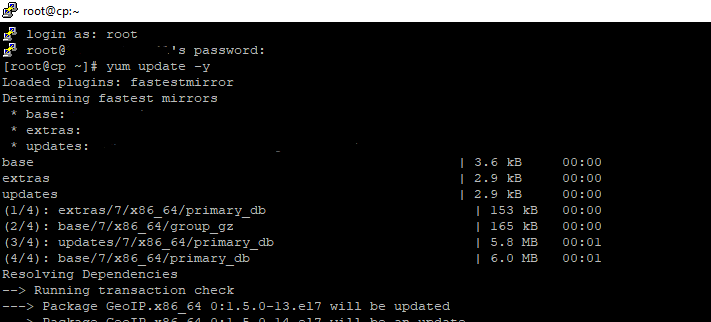
After the update is complete, restart with the following command
reboot

We must close the firewal and then close the network manageri by running the following commands respectively.
systemctl stop firewalld.service
systemctl disable firewalld.service
systemctl stop NetworkManager.service
systemctl disable NetworkManager.service
To activate perl curl wget and nano functions on your server, please enter the following commands.
yum install perl
yum install curl
yum install wget -y
yum install nano -y
Finally, to complete cpanel installation, simply run the command below.
cd /home && curl -o latest -L https://securedownloads.cpanel.net/latest && sh latest
The installation process will take several hours to complete. Do not close the program during this process.
Once the installation is complete, you can connect to WHM using your ip address.
https://ipaddress:2087


 Top
Top
 Turkey (Türkçe)
 Worldwide (English)